Tal Kravarusic, Founder
The Appless Future: Software That Fits Into Your Day
Fewer apps to open, more services working for you. A perspective on AI, native widgets, and software that fits around your day.
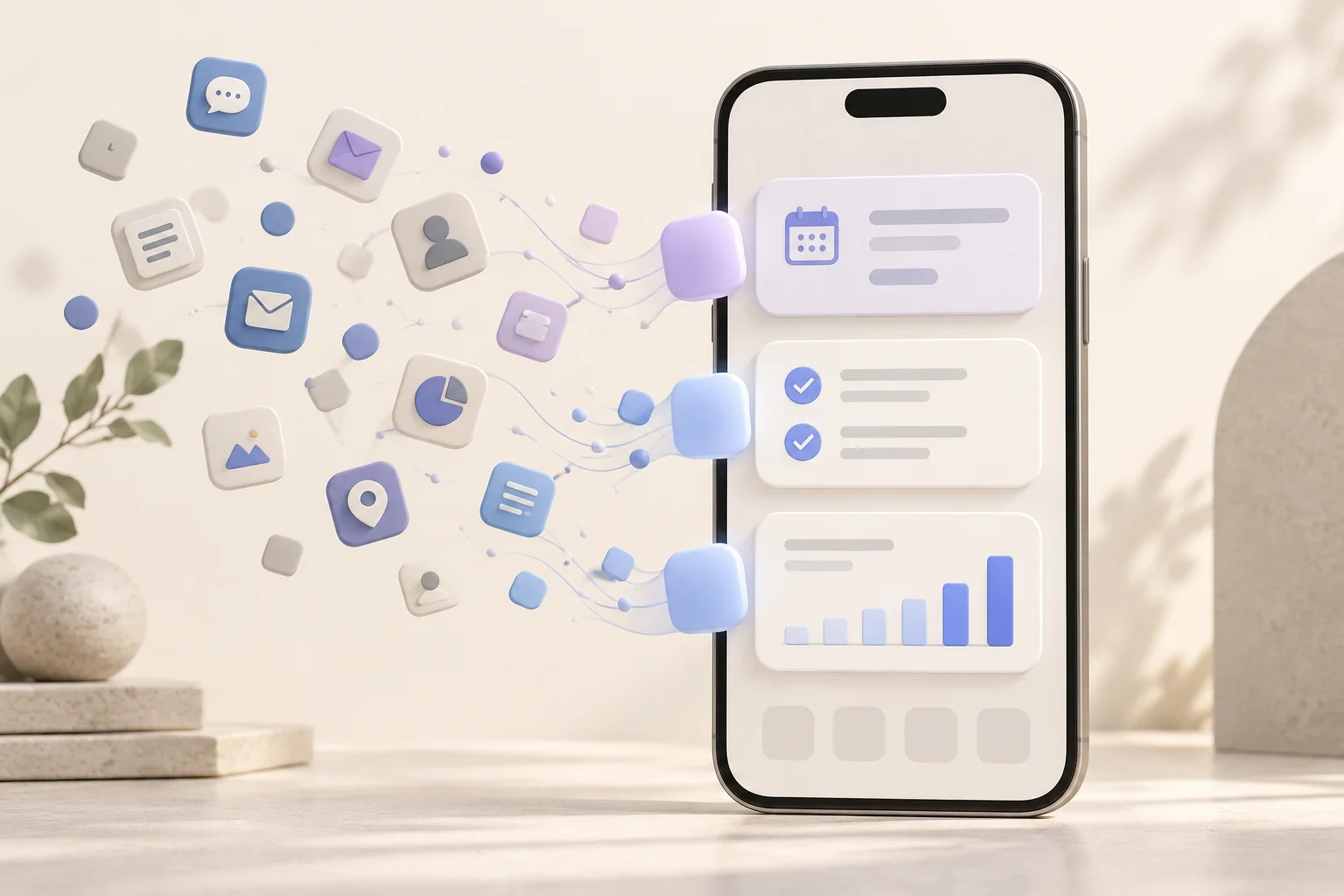
Concept illustration: bringing the useful parts of your apps onto your Home Screen. All illustrations in this post are conceptual, rather than Glance product screenshots.
Think about the last time you opened an app.
Maybe you wanted to check when your next meeting starts, whether a payment arrived, or how many people signed up for something you launched.
You had a small question. Answering it meant finding the right app, opening it, navigating to the right screen, and finding the information.
We do this so often that it barely feels like a decision. It’s simply how we use our phones.
But does it always need to work that way?
Fewer apps to open, more services working for you
When I think about an “appless” future, I imagine a world where we need to open fewer apps to benefit from the services behind them.
Your calendar still manages your meetings. Your store still processes orders. Your project management tool still organizes your work. Those systems remain useful, and many activities will continue to need their full interfaces.
What changes is the amount of navigation required to get something done.
AI assistants offer a glimpse of this. You can ask a question that spans several services, and, with the right connections, an assistant can bring the relevant information together.
“What does my day look like?”
That question might involve your calendar, your tasks, and a message about a meeting that moved. You think about your day as one thing. Software has traditionally divided it across several places.
An assistant can help bring those pieces back together.
But that raises another question: once it has gathered what you need, where should that information live?
Beyond the conversation
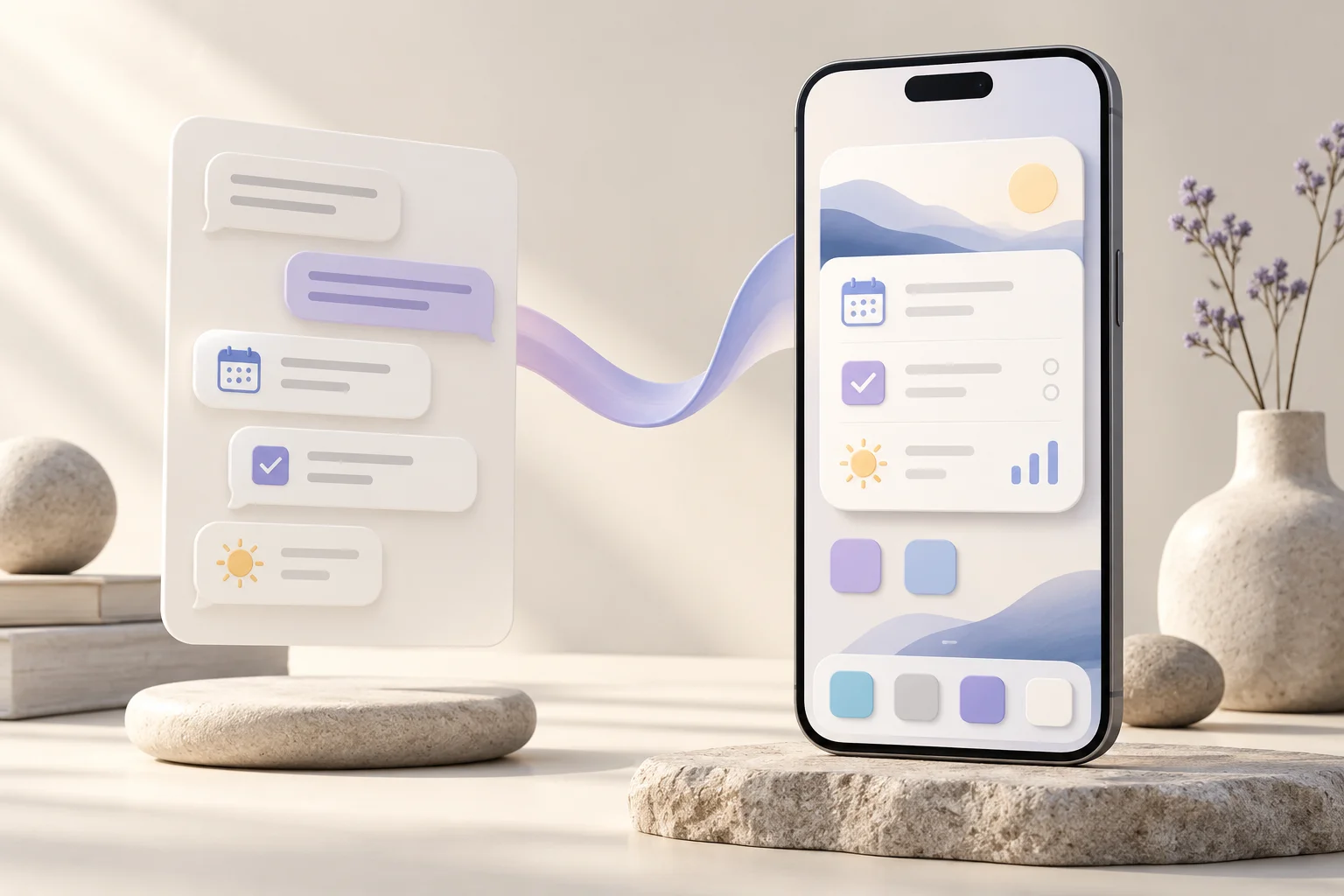
Concept illustration: useful information can have a place on your device after the conversation ends.
A conversation is a natural place to make a request. You can explain what matters, ask follow-up questions, and refine the answer.
Some answers, though, remain useful long after the conversation ends.
Your next meeting matters until it happens. A customer waiting for a reply matters until you respond. A business metric might be something you want to keep an eye on throughout the day.
When those details stay inside a conversation, you still need to go back and retrieve them.
I believe some of that information belongs closer to the surface of your device, somewhere you can see it naturally as you go about your day.
That’s the opportunity I see in the Home Screen.
Bring the useful parts of your apps with you
The Home Screen already sits between many of our daily activities. We see it when we pick up our phones, move between tasks, or check what’s next.
A useful widget gives that space a purpose.
Imagine a morning view showing your next meeting, your most important task, and a short briefing on a topic you follow. For a founder, it might show new signups and a customer who needs attention. For someone learning a language, it might offer a new word with a meaning they can tap to reveal.
Each piece could come from a different source. Together, they reflect what matters to that person.
This is what I mean by bringing your apps onto your Home Screen: taking the parts you need regularly and giving them a place that fits how you use your device.
You shouldn’t always have to remember where information lives to keep it in view.
An interface that fits around your day
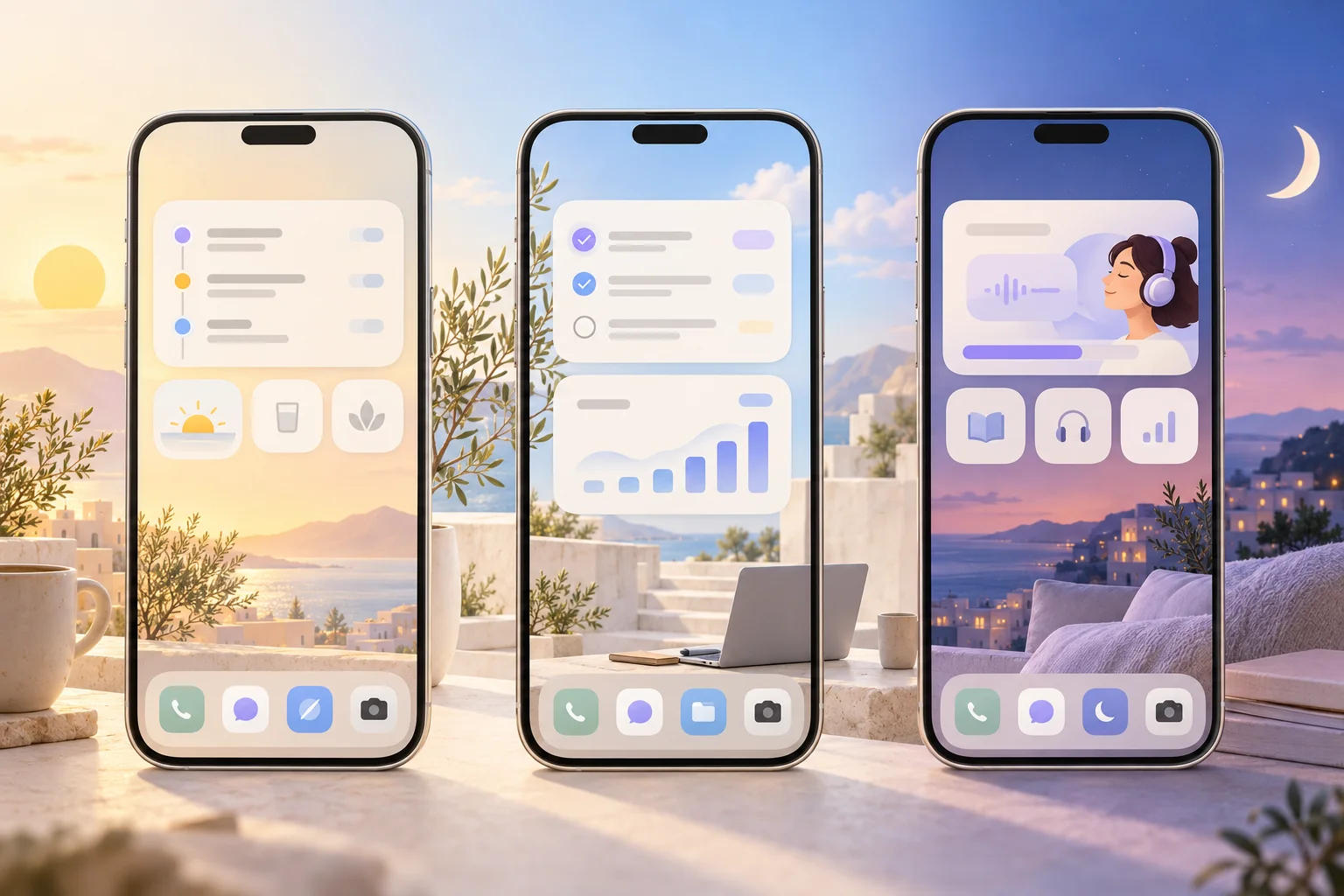
Concept illustration: the information that deserves space on your screen can change throughout your day.
Most software asks you to learn its structure.
You learn which tab contains a report, where a setting lives, and how to reach the screen you use every morning. Each application has its own way of organizing the world.
AI creates an opportunity to describe the view you want in your own terms:
“Show me my next meeting, today’s priorities, and how my business is doing. Keep it simple.”
The interesting part is that the resulting interface can reflect your priorities, even when the information comes from several services.
It can also change.
During a launch, you might care about orders and signups. The following week, you might want to focus on customer feedback. The information that deserves space on your device changes as your work and life change.
With Glance’s UI on Demand, an assistant can define the widget layout as part of an update. That means it can change both the information and how that information is presented.
I see this as a practical direction for generative UI: interfaces that can be created and adjusted around a person’s current needs.
The goal is to make the right things easy to see, in a form that remains familiar and useful.
What deserves to live on the surface?
Space on a Home Screen is limited. That constraint matters.
A widget becomes useful when it answers a clear question or supports a recurring activity. Trying to squeeze an entire application into it usually misses the opportunity.
The questions worth asking are simple:
- What do I check repeatedly?
- What do I need to keep in mind?
- What small interaction would save me opening an app?
- What deserves my attention right now?
Writing a document, exploring a dataset, or editing a video still benefits from a full application. Knowing when your next meeting starts can take a glance.
Good design recognizes the difference and gives each activity the space it needs.
It also makes clear when information was updated and lets people choose what belongs on their screen. An interface people rely on needs to earn that trust.
Why I’m building Glance
I’m building Glance because I want the useful output of our software and AI assistants to have a natural place on our devices.
Today, you can connect Glance to an AI assistant, describe a widget, and have it create a native view for your iPhone Home Screen. You can refine the design through conversation, update its content, and use interactions such as switching views or revealing information.
Keeping that information fresh depends on the sources you connect and the update workflow you set up.
Those are concrete steps toward a broader idea: software that is available where it’s useful, with less effort spent finding and opening it.
The “appless” future may still have plenty of apps behind it. What I hope changes is how much of our day we spend navigating between them.
We’re used to fitting our day around the interfaces of our apps.
What happens when those interfaces can fit around our day?